
Photos Backup
Your Photos library, backed up your way.
Keep a real, browsable copy of your entire Apple Photos library on any external drive, NAS, or local folder. Full control over how your photos and videos are organized, exported, and kept in sync — no cloud lock-in, no proprietary formats, just your files on your storage.
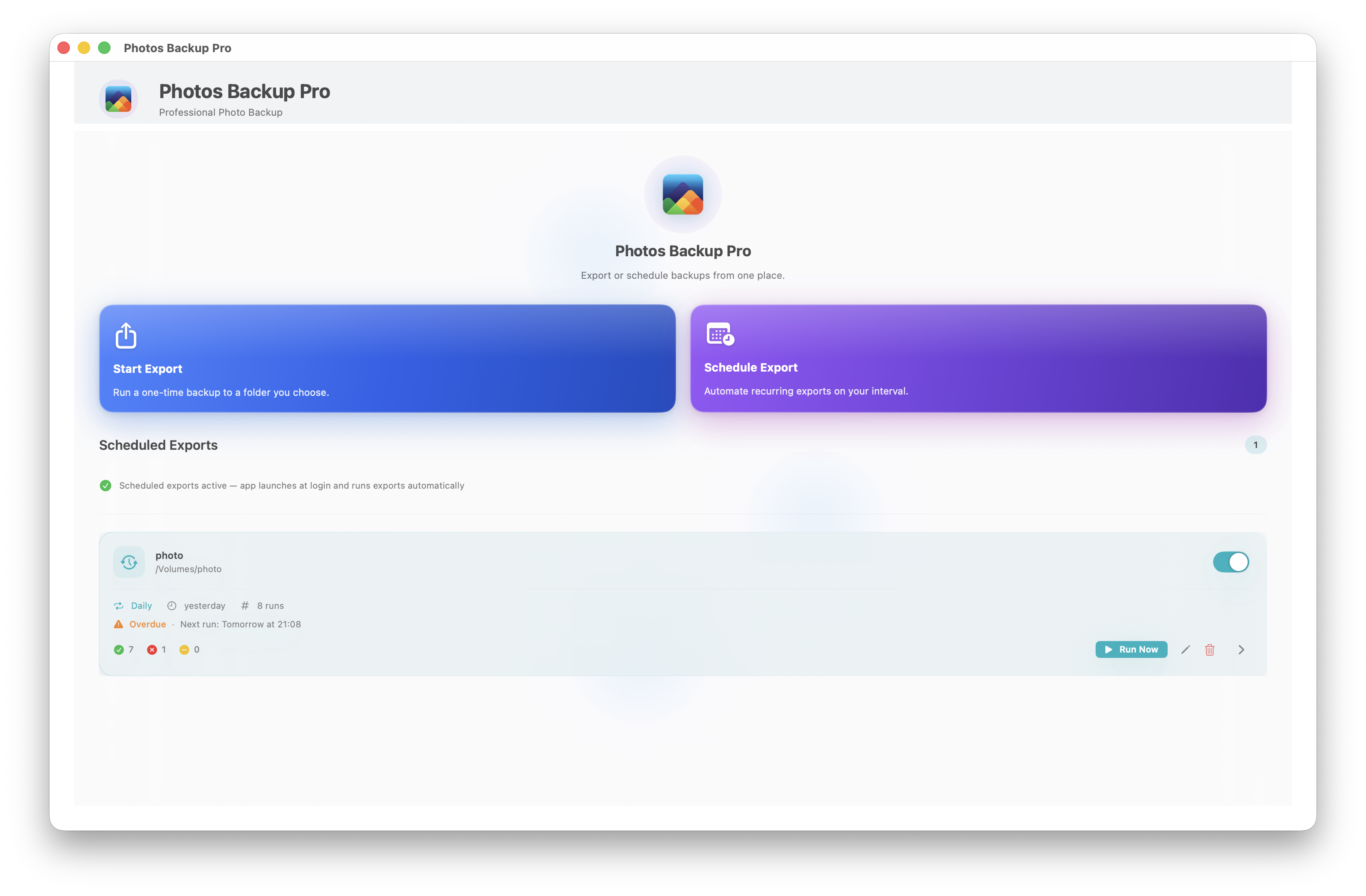
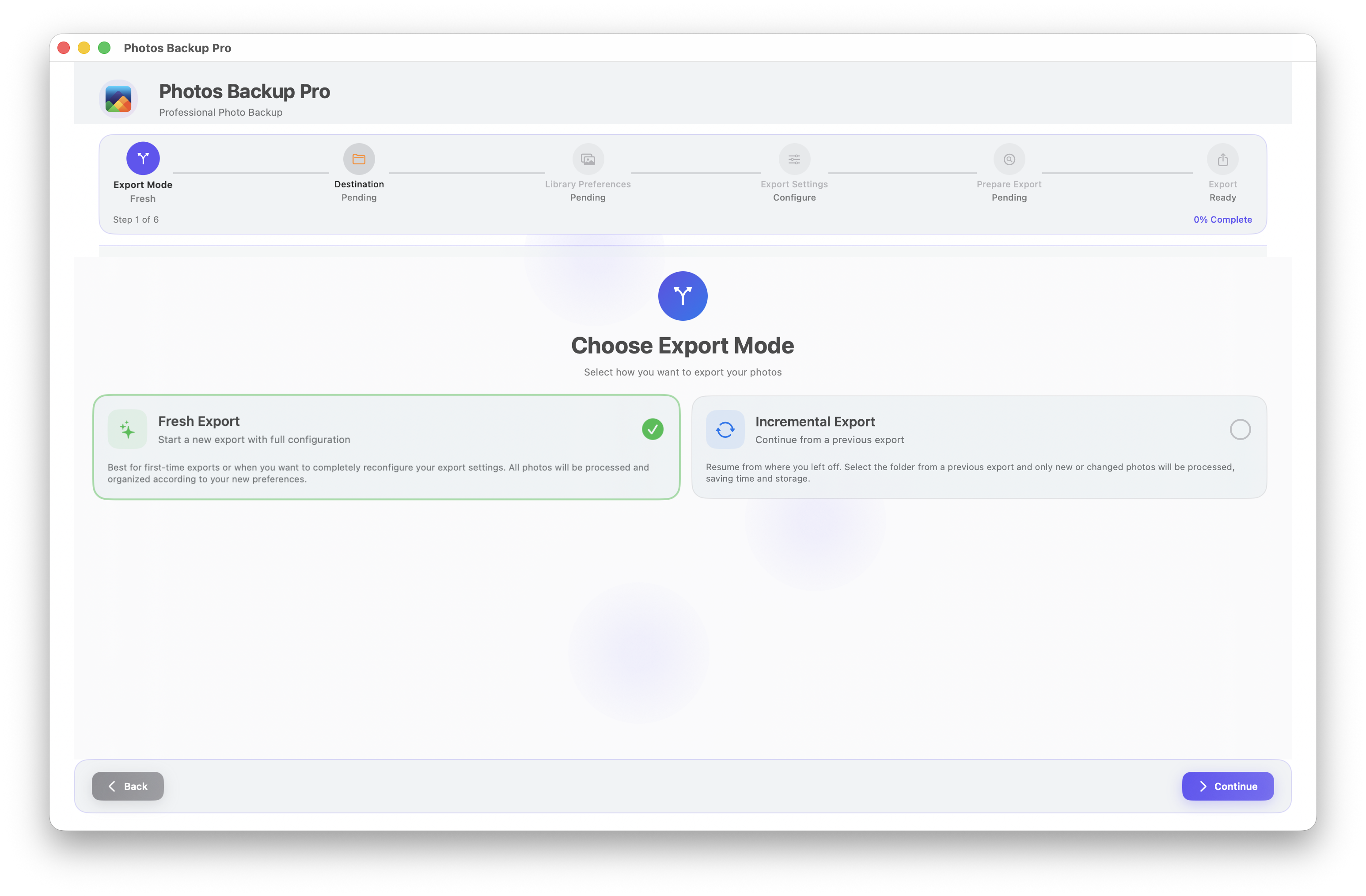
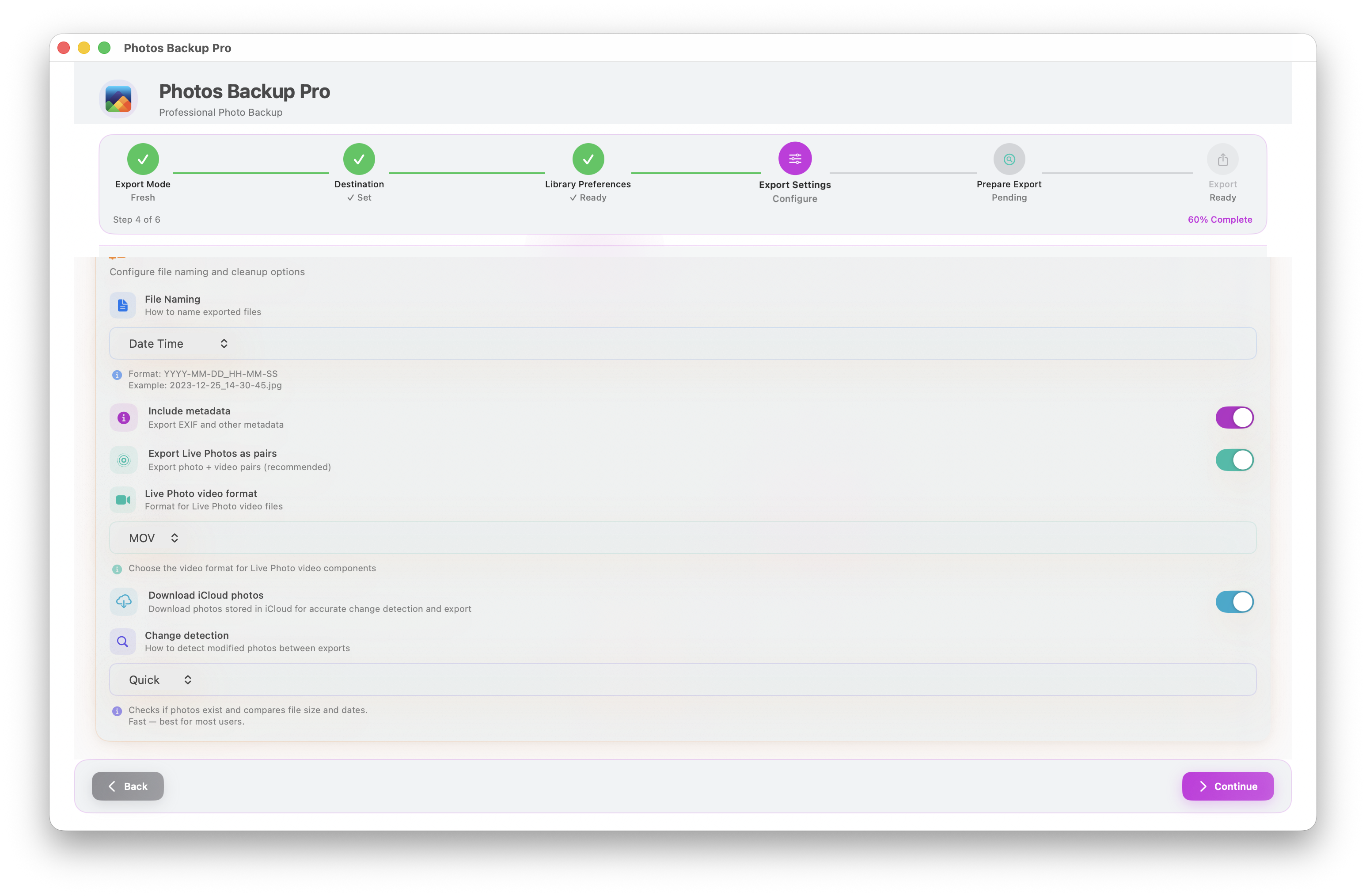
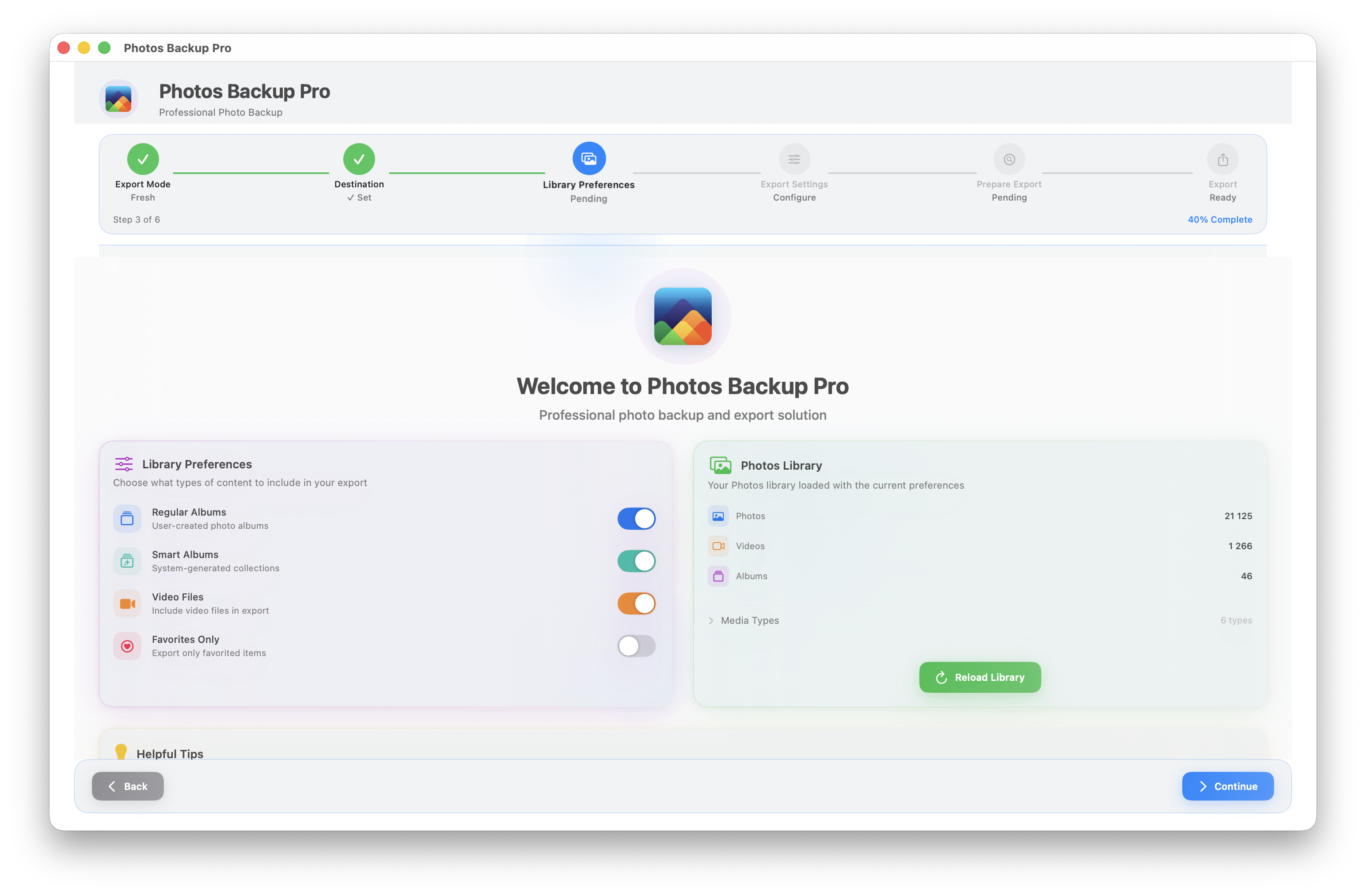
A guided wizard from start to finish
Six clear steps — from mode selection to export — with no guesswork
Only what changed, nothing more
After the first full export, only new and changed photos are processed. The app remembers what was already backed up and skips everything that hasn't changed — keeping regular backups fast even for libraries with tens of thousands of photos. Choose between Quick mode for everyday use or Precise mode when you need to catch every edit.
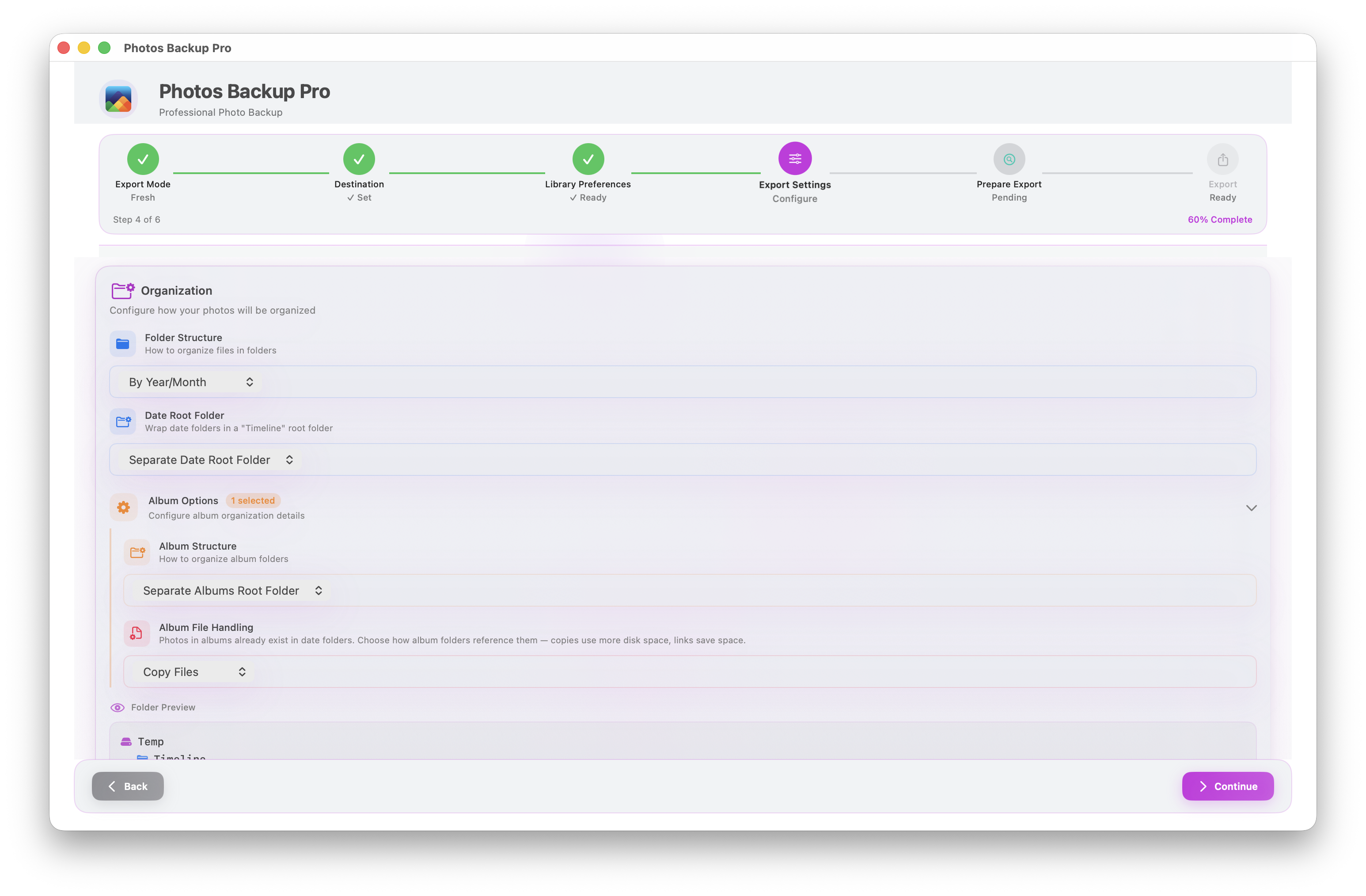
Structure your backup your way
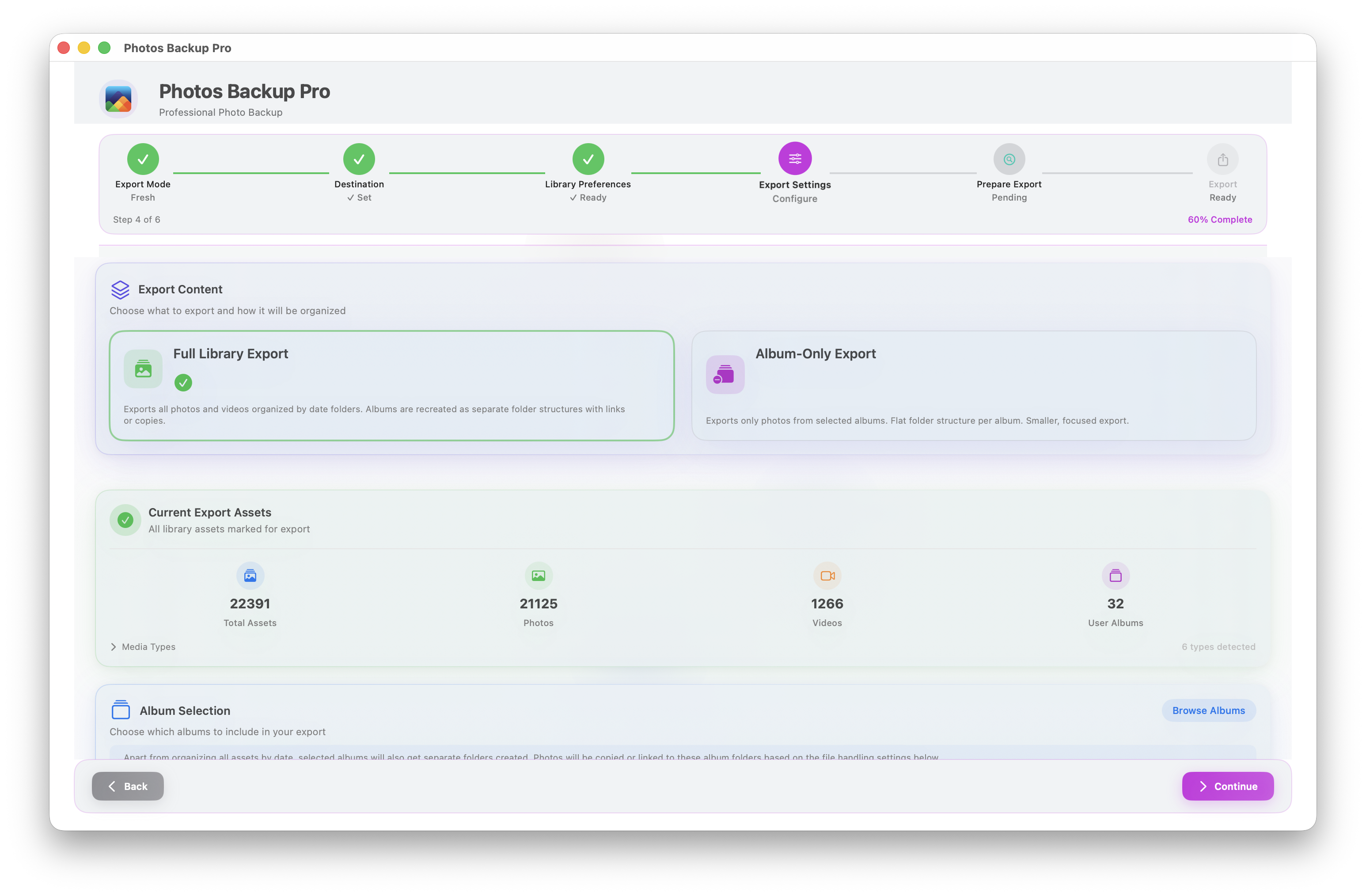
Organize by Year, Year/Month, Year/Month/Day, or keep it flat. Preserve album folders with copies, symbolic links, or hard links. Choose original filenames or date-time naming. Export selected albums only, or your entire library — the folder layout on disk mirrors exactly how you want to browse it.
Live Photos exported in pairs
Live Photos are exported as image + video pairs, keeping the motion component alongside the still image. Pick the video container that suits you — MOV or MP4 — and both files stay tracked together across incremental exports. Nothing gets lost between runs.
Scheduled automatic backups
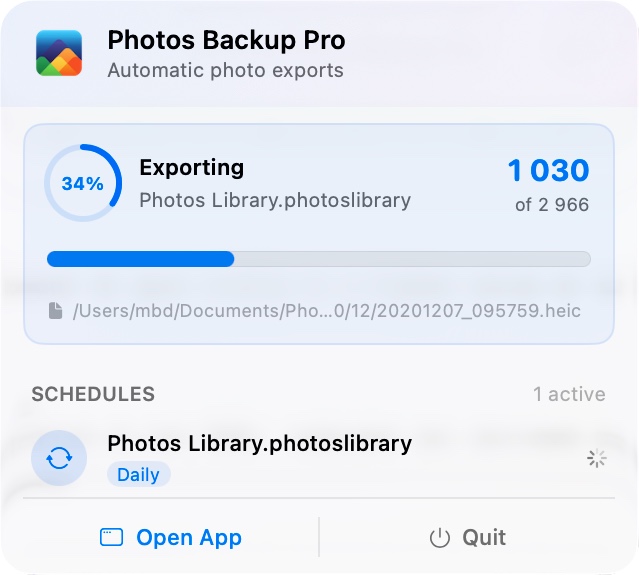
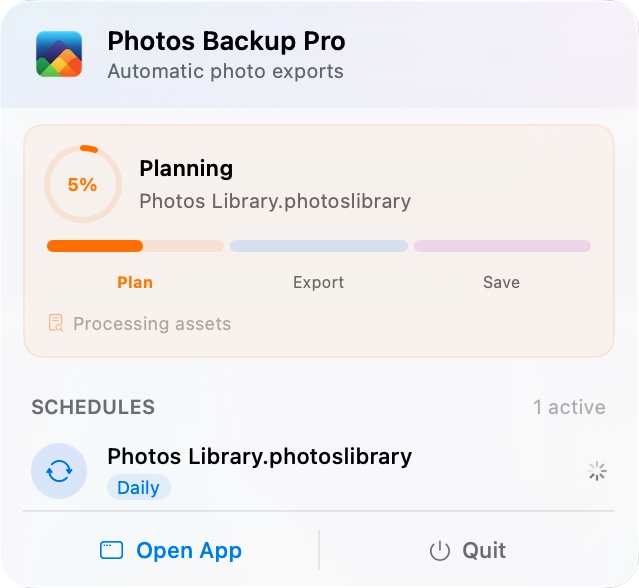
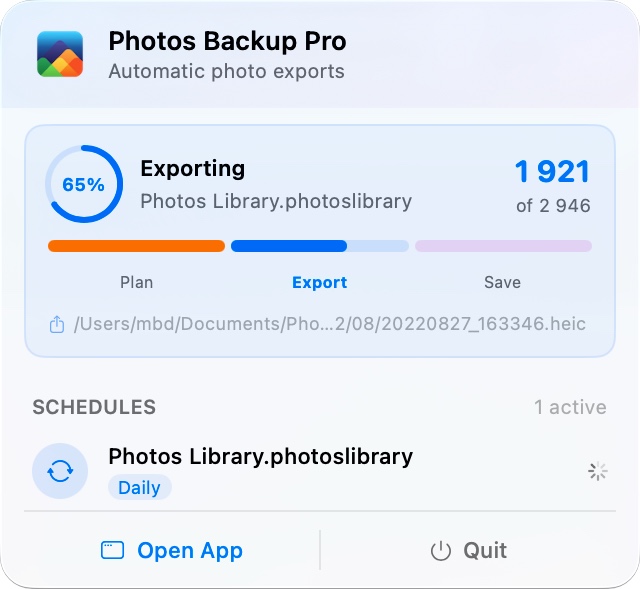
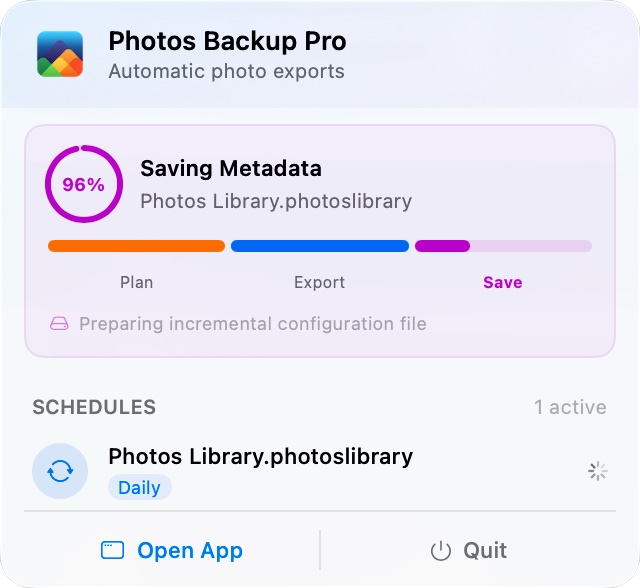
Set it and forget it — hourly, daily, weekly, or monthly. The menu bar keeps you updated while it runs quietly in the background.
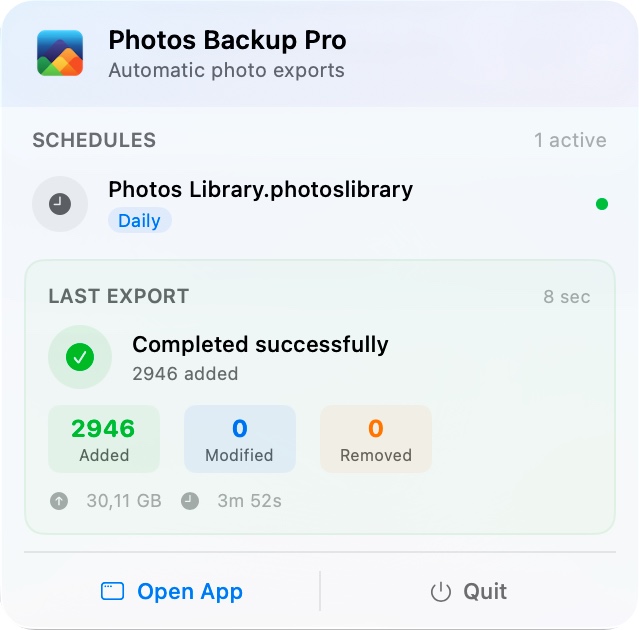
Built for 20,000+ photos
Concurrent processing with bounded parallelism keeps exports fast without overwhelming your system. iCloud Photos integration automatically downloads optimized-storage assets when needed. Interrupted exports resume from where they left off — no lost progress on long runs.
Albums mirrored on disk
Select exactly which albums to include. Album folders mirror your Photos library structure on disk. In album-only mode, export just the albums you care about with a clean, flat folder layout. Album membership changes are tracked incrementally — added and removed files are updated automatically.
Full export control
Incremental Updates
Fingerprint-based change detection skips unchanged photos. Regular backups stay fast even for massive libraries.
Live Photo Pairs
Photo and video components exported together, keeping the Live Photo experience intact outside Apple Photos.
Flexible Folders
Flat, by year, by month, or by day — organize your export exactly the way you want it.
Albums on Disk
Export albums as copies, symbolic links, or hard links. Keep album structure intact or flatten it.
iCloud Aware
Downloads optimized-storage assets from iCloud automatically when they're needed for export.
Orphan Cleanup
Detect files at the destination that no longer exist in your library. Clean them up automatically or review first.
Export Formats
Keep originals, or convert to JPEG or PNG. EXIF metadata and timestamps are preserved across the export.
Quick & Precise Modes
Fast size/date comparison for everyday backups, or content hashing when you need to catch every edit.
Resume on Interrupt
If an export is cut short, the next run resumes from where it left off instead of redoing finished work.
Dry-Run Planning
See exactly what will be exported before anything is written. File counts, sizes, and changes all previewed up front.
Works with Any Storage
External USB and Thunderbolt drives, NAS, or any mounted volume. Folder permissions are remembered across launches.
Privacy First
No accounts, no cloud uploads, no telemetry beyond anonymous crash reports. Your photos stay on your hardware.
Download for Mac
Your photos. Your disk. Your rules.